AI for beginners: where to start in 2026

James
Co-founder of Smash Your AI - 18 years in education, now helping businesses and individuals get real results from AI.
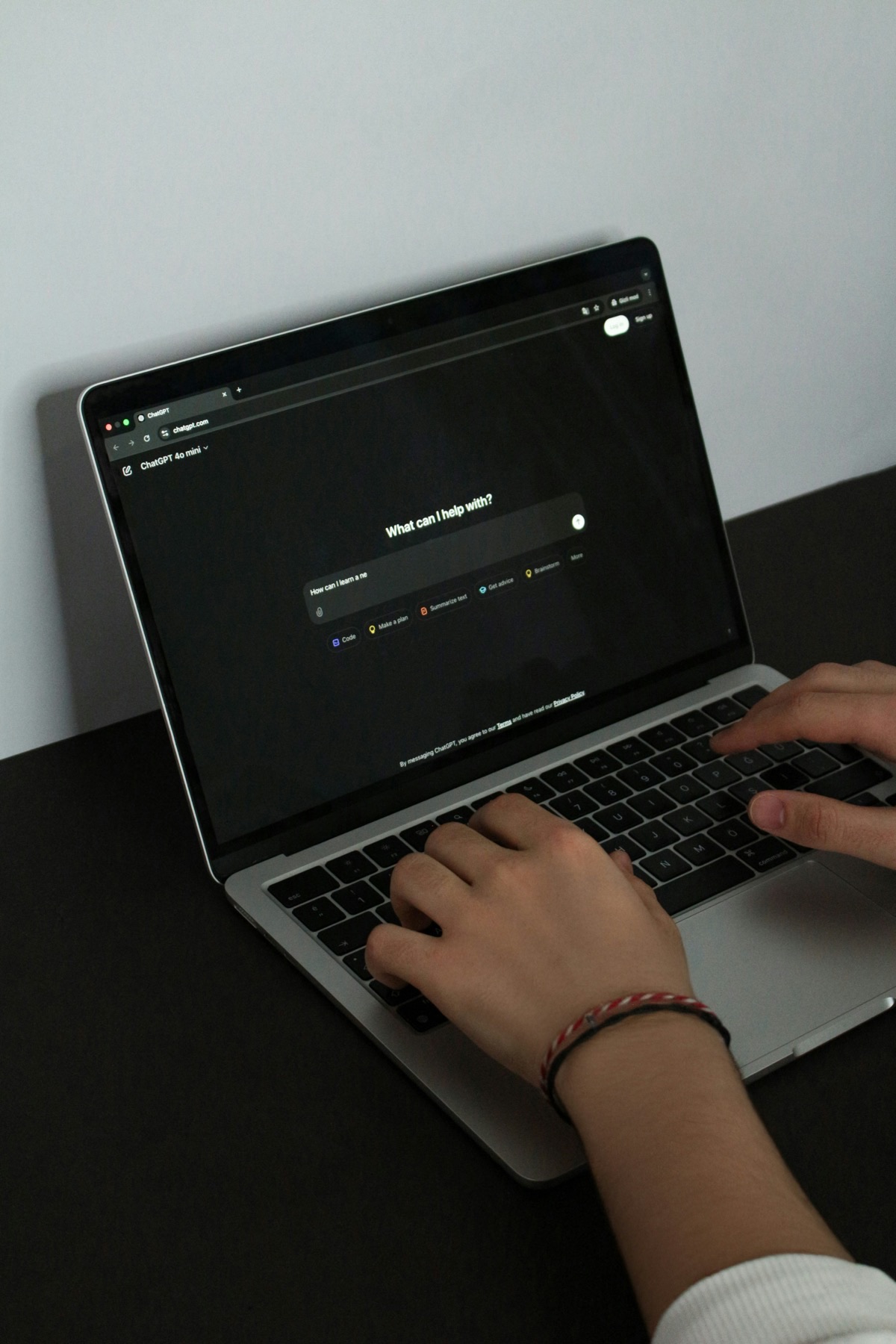
A year ago, a friend asked me which AI tool they should try first. They had heard of ChatGPT but had never actually used it. They assumed it was complicated, expensive, or only for tech people.
Ten minutes later, they had signed up, asked their first question, and their exact words were: "Why did nobody tell me about this sooner?"
If you are in the same position right now, this guide is for you. No jargon. No assumptions about what you already know. Just a clear, honest rundown of where to start and what is actually worth your time.
Which AI tool should I try first?
There are dozens of AI tools out there, and new ones launch every week. That can feel overwhelming. So let me make it simple.
Start with ChatGPT. It is the most popular AI tool in the world, and for good reason. It is free to use, it works in your web browser, and you can sign up in two minutes. Go to chat.openai.com and create an account.
I recommend ChatGPT as a starting point because:
- It has the largest community, so help and tips are easy to find.
- The free version is genuinely useful. You do not need to pay anything to get started.
- It handles a wide range of tasks well, from writing to research to brainstorming.
Once you are comfortable with ChatGPT, I would recommend trying Claude (claude.ai) and Google Gemini (gemini.google.com). They are both free to use and each has different strengths.
What are the differences between ChatGPT, Claude, and Gemini?
This is something I get asked constantly. Here is my honest comparison based on using all three every day:
ChatGPT (by OpenAI)
Best for: general-purpose tasks, creative writing, brainstorming, image generation.
My take: The jack of all trades. Good at most things. The paid version (ChatGPT Plus) gives you access to more powerful models and features like custom GPTs. This is where most people should start.
Claude (by Anthropic)
Best for: longer documents, detailed analysis, careful and nuanced writing, coding.
My take: My personal favourite for work tasks. Claude tends to give more thorough, considered responses. When I built our AI tutoring platform, I used Claude for most of the heavy lifting because it handles complex, multi-step tasks really well.
Google Gemini
Best for: searching the web, working with Google products (Docs, Sheets, Gmail), quick factual questions.
My take: If you already use Google Workspace, Gemini integrates beautifully. It can summarise your emails, help you write in Google Docs, and pull real-time information from the web. Less powerful for complex tasks, but very handy for everyday use.
You do not need to pick just one. I use all three for different things. But if you are starting out, just pick one and get comfortable with it first.
What should I actually try doing with AI?
Do not start with something complicated. Start with something practical that you actually need to do. Here are ten ideas for your first AI tasks, ranked from easiest to more advanced:
- Ask it to explain something. Pick any topic you are curious about and ask AI to explain it simply. "Explain how mortgages work in the UK as if I am 15 years old."
- Draft an email you have been putting off. Give it the context and let it write the first draft. You will be surprised how good it is.
- Brainstorm ideas. "Give me 10 ideas for a team building activity for a group of 12 people who work in an office."
- Summarise something long. Paste in a long article or document and ask for a summary in 5 bullet points.
- Rewrite something in a different tone. Take a formal email and ask AI to make it friendlier. Or take a casual message and make it more professional.
- Get help with a spreadsheet formula. Describe what you want in plain English and the AI will write the formula for you.
- Plan a project. "Help me plan a website redesign project. I have a budget of £2,000 and need it done in 6 weeks."
- Proofread your writing. Paste in something you have written and ask it to check for errors, unclear sentences, or improvements.
- Compare options. "I am choosing between Mailchimp and ConvertKit for email marketing. Compare them for a small business with under 1,000 subscribers."
- Create a template. "Create a template for a monthly client report that I can reuse."
READY TO TRY IT YOURSELF?
Get our AI starter bundle for just £14.99
168 ready-made prompts you can copy and paste straight into ChatGPT, Claude, or Gemini. Plus workbooks and content calendars to put it all into practice.
Get the bundleDo I need to pay for AI tools?
Not to get started. The free versions of ChatGPT, Claude, and Gemini are all genuinely useful. You can get a lot done without spending anything.
That said, the paid versions are worth considering once you are using AI regularly:
- ChatGPT Plus is about £20 per month. You get faster responses, access to the latest models, custom GPTs, image generation, and higher usage limits.
- Claude Pro is about £18 per month. You get much higher usage limits and access to the most powerful Claude models.
- Google One AI Premium is about £19 per month. You get Gemini integrated into Gmail, Docs, and Sheets, plus 2TB of Google storage.
My advice: use the free versions for at least a couple of weeks first. Get comfortable. See which tool you prefer. Then upgrade the one you use most.
What should I be careful about when using AI?
AI is incredibly useful, but it is not perfect. Here are the important things to keep in mind:
- Check important facts. AI can and does get things wrong, especially dates, statistics, and very specific details. If it matters, verify it.
- Do not paste sensitive information. Avoid putting confidential business data, passwords, or personal information into AI tools unless you understand their privacy policy. Most tools use your inputs to improve their models unless you opt out.
- AI is a tool, not a replacement for thinking. Use it to speed up your work, not to switch your brain off. The best results come from combining AI's speed with your own judgement and expertise.
- Be clear about what is AI-generated. If you are using AI to help write something, be honest about it when appropriate. Authenticity matters.
What mistakes do beginners usually make?
I have helped dozens of people get started with AI. Here are the patterns I see:
- Giving up too quickly. Your first few prompts might not blow you away. That is normal. The skill is in learning how to ask better questions. Read our article on common prompting mistakes to level up fast.
- Trying to learn everything at once. Focus on one tool and a few tasks. Master those before expanding.
- Using AI for the wrong things. AI is brilliant at first drafts, brainstorming, summarising, and routine tasks. It is less good at tasks that require deep personal knowledge, emotional intelligence, or creative originality.
- Not iterating. The first response is rarely the final answer. Follow up with "make this shorter" or "change the tone to be more casual." Conversation is how you get great results.
What should I learn next?
Once you have spent a week or two experimenting, here is a suggested learning path:
- Learn to write better prompts (read our prompting guide).
- Try using AI for a real work task every day for a week.
- Explore NotebookLM for working with your own documents (read our NotebookLM guide).
- Look into Custom GPTs if you want a personalised AI assistant.
- Consider automation if you have repetitive tasks (read our automation guide).
Or if you want everything in one place, our AI starter bundle includes 168 ready-made prompts, two hands-on workbooks, and content calendars for 6 industries. Just £14.99 one-off.
Got questions? Drop us a message. There are no silly questions when it comes to getting started.